A real estate law website works when a buyer, a seller, an agent or a landlord finds the page for their exact transaction in their county and reaches the office that handles closings there. We build service pages by transaction type, office pages that name the counties they cover, and a router that sends each inquiry to the right closing team.
The problem
- Closings are handled by county, but the site has one page for "Real estate" and no county structure.
- Agents refer clients by phone because the site does not make it obvious which office to send them to.
- Landlord and tenant matters go to the same inbox as commercial closings and get handled in the wrong order.
- The closing checklist that the front desk explains every day is not on the site.
Where it works
We build for real estate law firms across the US, by video call and email. Office pages and service-area pages are built for the cities and counties you serve, and each attorney profile lists every state they are admitted in.
- TXTexas. Firms with offices in Houston, Dallas and San Antonio, where one site has to route by metro area.
- FLFlorida. Firms spread along both coasts, often with Spanish-language intake alongside English.
- CACalifornia. Firms with Northern and Southern California offices several hours apart.
- NYNew York. Firms whose attorneys are admitted in New York and a neighboring state, shown on every profile.
- ILIllinois. Chicago firms with suburban offices, where county matters for routing.
The build
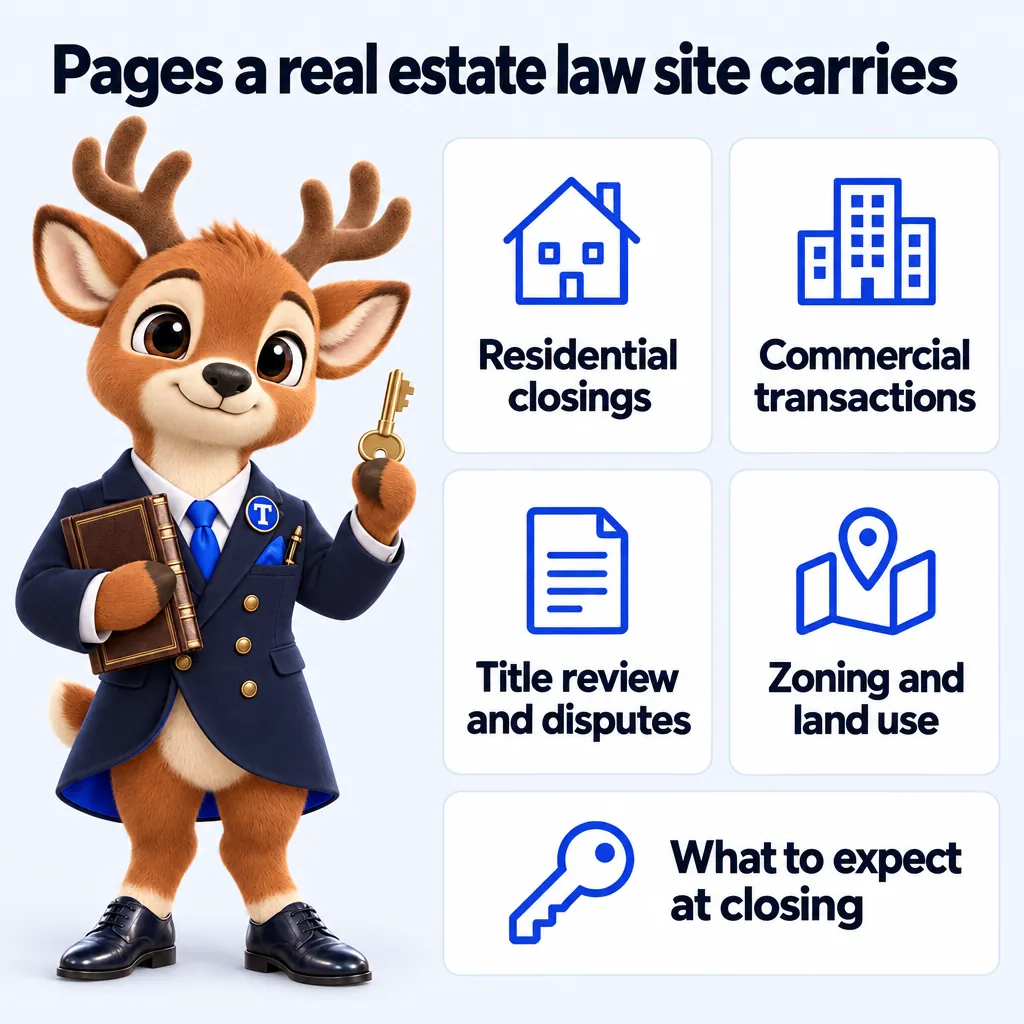
Each one written answer-first for a specific search, each routing to the attorney and office that take it.
- Home
- Residential closings
- Commercial transactions
- Title review and disputes
- Landlord and tenant matters
- Zoning and land use
- What to expect at closing
- One page per office and county
- One profile per attorney
In their words
If you only look at the design you miss the best bit, which is the inquiry form. It asks for practice area, county and safe callback time before anything is sent, which is the information we used to chase by email. We answer properly on the first reply far more often than we used to.
Warren OldfieldPractice manager, Landlord and tenant law practiceDurham, NC GotInquiry form and response workflow for legal intake on Solo Practice
People used to ring just to check their legal intake form had actually gone through. The new confirmation states what happens next and how to amend anything that needs changing. A modest change with an outsized effect on our mornings.
Mazen HilalSenior paralegal, Conveyancing and property law firmSt. Petersburg, FL GotSubmission acknowledgment and follow-up for legal intake on Solo Practice
Case studies
The schedule
What the monthly fee covers on every plan, and, just as plainly, what it does not.
- 01
The site
Practice area pages, an office page per location, a profile per attorney, and a blog. Designed and hand-built by the studio.
- 02
The intake router
Three questions, then the inquiry goes to the right office or attorney with your consultation terms shown.
- 03
A free domain
Registered in the firm's name for as long as the plan is active, or we point the one you already own. Either way it stays yours.
- 04
Cloudflare hosting
SSL, CDN, DDoS protection and unmetered bandwidth on Cloudflare's network. No hosting bill, no bandwidth overage, nothing itemized.
- 05
Your CRM, connected
Every inquiry written to the intake CRM you already use, by API, Zapier or Make.
- 06
Fully managed
Weekly detail updates, 5 revisions a month from your client portal, 2 researched articles a week, and a person to email.
Not on the invoice
What is not included
Legal advice or a compliance sign-off
We are not a law firm. We write to avoid outcome claims and add the disclaimers you ask for, but the firm reviews its content and stays responsible for its advertising rules.
Revisions beyond 5 a month
Each extra revision is a flat $20, with no hourly billing. Weekly detail updates never count as revisions.
AI usage on the AI Engine plans
The AI Engine is inside the Multi-Attorney and Multi-Office fee; the minutes answered and messages handled are billed at cost each month, with a running total you can see.
The AI Engine on Solo Practice
Solo Practice carries the full site, intake router and management. The AI receptionist, chat and messaging agents start on Multi-Attorney.
Social posts, reels and Google Business Profiles below Multi-Office
The Content Engine is on Multi-Office only. The other plans carry 2 researched articles a week.
A photographer on site
We give photography direction and build around the photos you send, or design pages that work without photos. We do not send a photographer.
Heavy third-party scripts against our advice
The 90+ PageSpeed guarantee does not cover scripts you ask us to add after we have told you what they will cost the score.
How it works
Nothing advances along a track here. Each stage takes weight off the firm and puts it on the studio, until the beam sits level on the day the site goes live.
Stage 01 of 04
Built with the rules in mind
These pages help you meet the rules your firm works under. They are not legal advice, and the firm reviews and approves them; we change any wording your compliance review asks for as a weekly update.
- Privacy policy
- Terms of use
- Cookie policy with real consent
- Accessibility statement
- Attorney advertising disclaimers
- No attorney-client relationship notice
- SMS consent wording
The plans
- Solo PracticeThe website, fully managed$137/ monthLive in 7 days
- Multi-AttorneyEverything, plus the AI Engine$297/ month + usageLive in 10 days
- Multi-OfficeEverything, plus the Content Engine$747/ monthLive in 15 days
Questions from real estate law firms
01Can the site publish closing fees?
Yes, where your jurisdiction allows. Published fees appear on the transaction pages and inside the router, and change the same week you tell us.
02Can agents refer clients through the site?
Yes. A referral path in the router lets an agent submit the client details and the closing date, and the inquiry is tagged as an agent referral in your CRM.
03How are counties handled?
Each office page names the counties it covers, and the router sends an inquiry from a county to the office you assign. When coverage changes, the rule changes the same week.
04Do you write about the closing process?
Yes. Articles explain how a closing generally proceeds in your state and what documents are usually involved, with sources cited and a not-legal-advice note.
05Which plan suits a real estate law firm?
Closing-focused firms often start on Solo Practice. Firms with offices in several counties choose Multi-Office for county-level local presence.
06Can the site show our closing fees by county?
Yes, where your rules allow publishing fees. Each county or office page can carry its own terms, updated weekly.
07Can agents and lenders send us files through the site?
A referral route can file agent and lender inquiries in your CRM. Secure document exchange stays in the system your firm already uses.
08Do you build pages for each county we close in?
Yes, where each page has something specific to say: the courthouse, recording office and the office that covers it.
Talk to the studio
From $137 a month, live in 7 days, build fee invoiced after launch. Book a demo, or email the studio and a person replies within one working day.